Wireless charging, made simple
Cut the cables. Keep the charge.
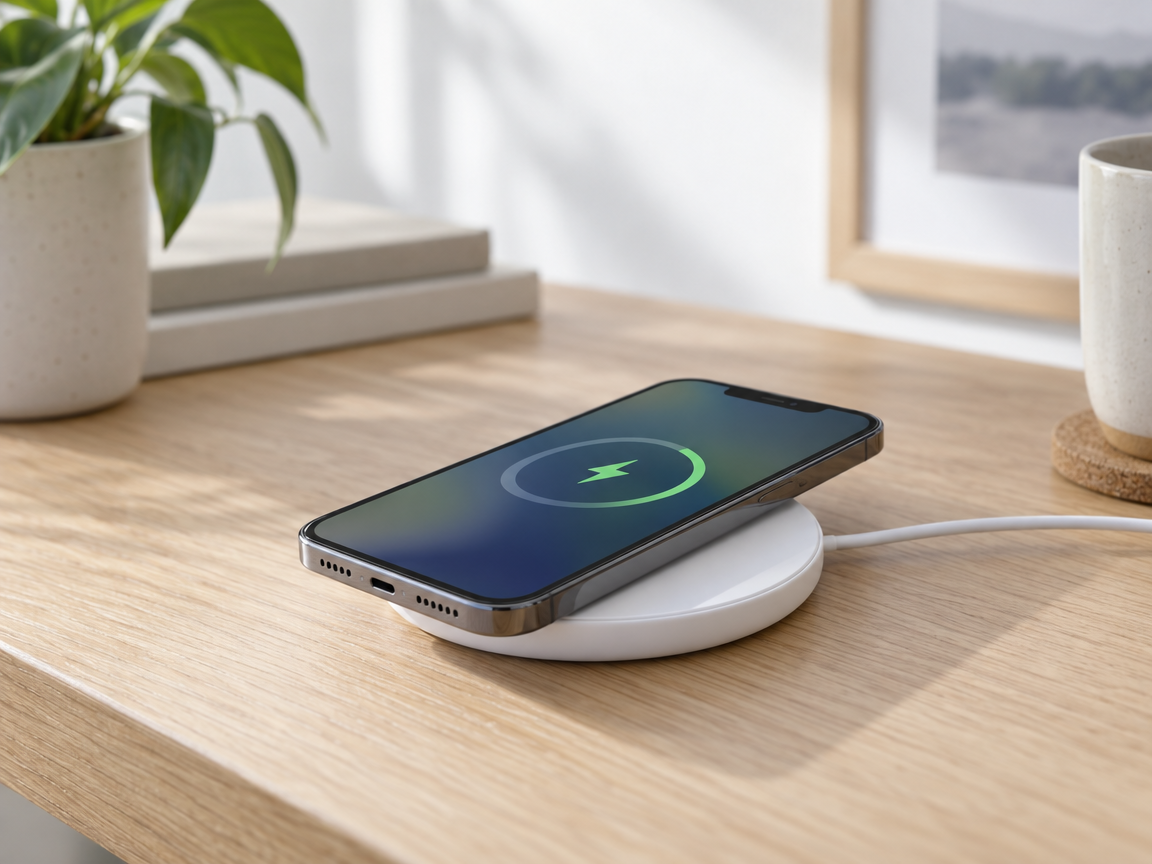
Qi, Qi2, MagSafe: the labels are confusing and the wrong pad charges slowly or not at all. Gadgetfusion explains what matches your phone, your desk and your home.
Instant delivery
Digital products. Nothing ships, access arrives right after checkout.
Clear returns
Refund terms are shown at checkout, and memberships cancel anytime.
Secure payment
Encrypted checkout powered by Whop, with buyer protection.
Know the standard before you buy
Qi
The universal standard. Works with most modern phones, at modest speeds.
Qi2
Magnetic alignment for faster, more reliable charging on supported phones.
Earbuds and cases
Many cases charge wirelessly. Check yours before buying a pad.
Watches
Most smartwatches use their own puck. A multi-device stand needs to say it supports yours.
Five checks before you add to cart
- Does your phone support Qi or Qi2? Check the spec page, not the box.
- Does your case block charging? Thick, metal or wallet cases often do.
- Is the charger rated for the speed you expect, and does it come with a power adapter?
- Does it fit where you will use it: nightstand, desk or kitchen counter?
- Do you need one device or several charging at once?
Set it up in four steps
- 01
Match the standard
Find out which wireless standard your phone and accessories support.
- 02
Pick the form
Flat pad, upright stand, or multi-device dock. Choose by where it will live.
- 03
Power it properly
Use the right adapter and cable so the charger can reach its rated speed.
- 04
Place it right
Line up the coils, remove thick cases, and keep metal objects away.
Reviews
Loved by people who hate cable clutter
4.7 out of 5from our members
“I finally understood the difference between Qi and Qi2. My new stand charges my phone at full speed, and my desk is cable-free.”
“The case check alone saved me from buying the wrong pad. Clear, honest advice with no jargon.”
“The Quickstart Vault made my Matter setup painless. The troubleshooting flows are worth the price.”
Shop
Go further with Gadgetfusion
Smart Home Quickstart Vault
Founding-member access to five ecosystem setup playbooks, a Matter-compatibility checklist and step-by-step troubleshooting flows.
$29.00USD, one payment
- Digital product. Nothing ships, access is delivered right after checkout.
- Returns: see refund terms at checkout.
Gadgetfusion Desk Lab
Member-only community for functional, distraction-free workstations: monitor ergonomics, cable routing, budget lighting and weekly desk audits.
$14.00USD per month
- Digital membership. Nothing ships, access starts right after checkout.
- Cancel anytime. Returns: see refund terms at checkout.
Questions
Is wireless charging slower than a cable?
Usually, yes. Convenience is the trade. Qi2 and a proper power adapter narrow the gap on supported phones.
Will any wireless charger work with my phone?
Most phones from recent years support Qi, but speed and magnet alignment depend on the model. Always check your phone’s spec page.
Does it work through a case?
Thin plastic or silicone cases usually do. Thick, metal or wallet-style cases often block or slow charging.
Where does the Quickstart Vault fit in?
It is our founding-member vault: five ecosystem setup playbooks, a Matter-compatibility checklist and troubleshooting flows for a smart home that works together.